
AI room designer: what it is, how it works, and how to use one well
If you are searching for an AI room designer, you usually want the same thing: fast, realistic-looking ideas on your space—not a generic stock render. This guide explains what that means in practice, how these tools differ from mood boards or CAD, and how to get useful results you can act on with MyRoomsAI.
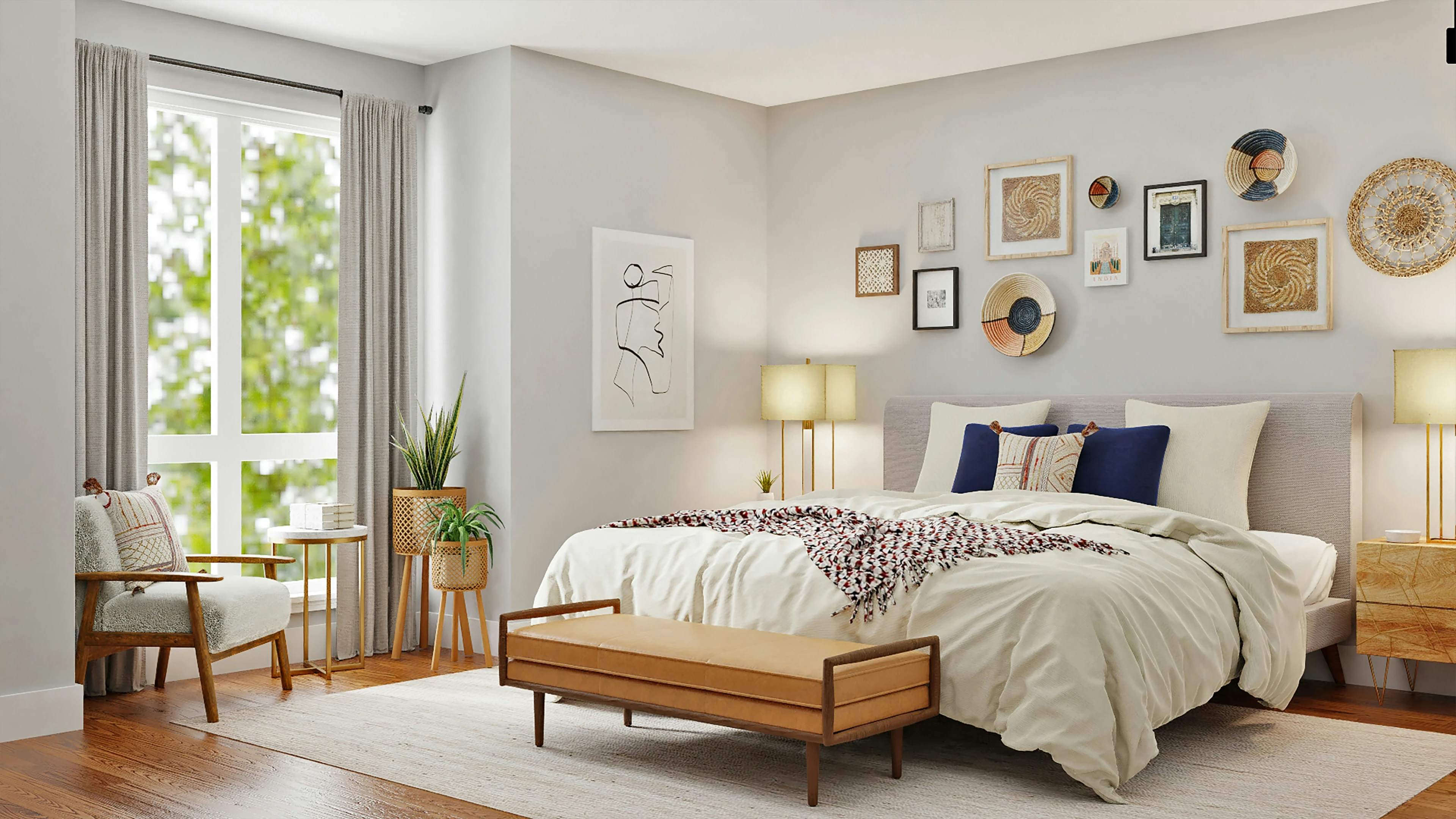
What is an AI room designer?
An AI room designer is software that uses machine learning models trained on interiors to propose new looks from a starting image. You typically upload a photo, choose a style or options, and receive one or more variations that suggest different furniture, color palettes, or decoration levels while trying to keep the underlying room structure recognizable.
The role is exploratory: you are compressing the “what if we went modern / coastal / minimalist?” conversation into minutes. That makes an AI room designer especially helpful before paint samples, furniture deliveries, or designer consultations—when you still need direction, not final specifications.
How AI room design works (in plain terms)
Most products in this category follow a similar loop: photo in → style or controls → generated concepts out. Good systems are tuned so the model preserves layout cues—where the windows sit, how the ceiling reads—while changing surfaces and furnishings. The best results come from comparing several outputs on the same base photo so you are judging style, not accidental differences in framing or lighting.
For a deeper walkthrough of inputs and iteration, read our AI interior design basics guide next.
Benefits of using an AI room designer
- Speed: Test multiple directions in one session instead of waiting on static boards.
- Personal context: Concepts reference your actual walls and proportions, not only inspiration imagery.
- Alignment: Share renders with family, roommates, or contractors so everyone reacts to the same visual.
- Lower regret risk: Spot styles that clash with your lighting or architecture before you spend.
What to look for when you choose an AI room designer
Not every product marketed as “AI interior design” behaves the same way. When evaluating an AI room designer, check whether it works from your photo, whether you can iterate without losing the original framing, and whether outputs feel consistent enough to compare fairly. Also confirm how credits or exports work if you need high-resolution images for printing or presentations.
MyRoomsAI is built around that workflow: upload a room, run several styles, and keep projects so you can return to the versions you liked. Jump in from the AI room decoration tool or create an account to save work across visits.
Room-specific guides on MyRoomsAI
Once you understand the general idea, apply it to the space you care about most. Our focused guides cover using an AI room designer in the living room and AI bedroom design ideas, plus room-type pages such as living room AI design and real transformations for before-and-after examples.
Common questions
- What does an AI room designer do? It generates visual redesign concepts from your photo—useful for style exploration, not a guaranteed blueprint for construction.
- Is an AI room designer the same as hiring an interior designer? No. AI accelerates early visualization; professionals add sourcing, spatial problem-solving, and compliance-aware detailing.
- What photo works best? Steady, well-lit shots that show the full room without extreme distortion produce the most coherent layout-aware results.
- Can I trust exact furniture sizes and colors? Treat them as directional. Always verify measurements and materials in the real room before major purchases.
Try an AI room designer on your photo. Upload one image in MyRoomsAI and compare styles until a direction feels right.