
AI interior design basics: how to redesign any room with AI
AI interior design helps you explore styles on a real photo of your space before you paint, buy furniture, or hire help. This guide explains how to get reliable results with MyRoomsAI and how to use those results next to practical constraints like budget and room size.
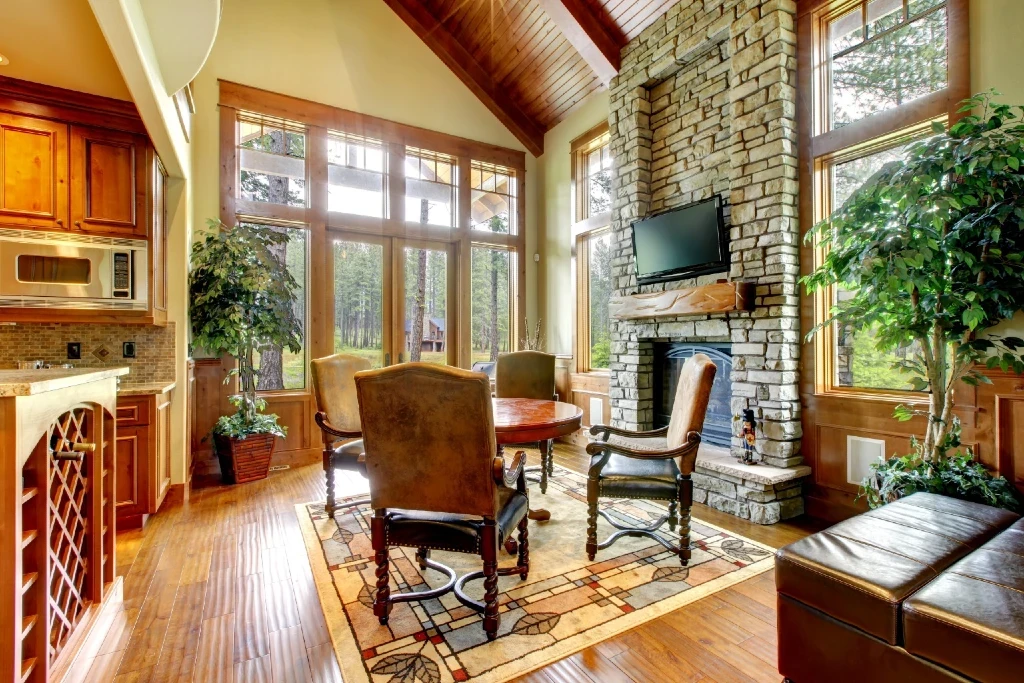
What you are actually doing with AI room design
You are not replacing an architect or contractor. You are compressing the early mood-board phase: testing palettes, furniture density, and style direction in minutes instead of days. The best workflow is to generate several concepts, shortlist two or three, then validate with measurements and real product availability.
Start with a photo the model can read
Turn on lights, step back so walls and floor read clearly, and avoid heavy blur. If you are also refreshing a public space, compare approaches in our AI room designer guide. For sleep spaces, read AI bedroom design ideas.
How MyRoomsAI fits your next steps
Open the AI room decoration tool, upload your room, and iterate on style while keeping the same base image so comparisons stay fair. When you are ready to save work across sessions, create a free account. You can also browse real transformations and living room AI design for more context.
Common questions
- Do I need design experience to use AI interior design tools? No. You upload a clear photo of your room, choose a style and options, and review generated concepts. The AI handles visual exploration; you still decide what fits your budget and layout.
- Is AI interior design a final blueprint for construction? Treat outputs as visual experiments and inspiration. Always verify measurements, materials, and building codes with professionals before major purchases or renovations.
- What makes a good room photo for AI design? Use good lighting, capture the full room where possible, and avoid extreme wide-angle distortion. A steady, representative photo helps the model preserve layout while restyling finishes and furniture.
Try it on your room today. Upload one photo and generate multiple style directions in the MyRoomsAI design flow.